Disabling network ports on a Wi-Fi System extender
Starting with KeeneticOS version 4.3, it is now possible to disable network ports on an extender from the Wi-Fi System controller. For example, this may be necessary for security reasons, to prevent a potential attacker or unauthorized person from connecting to the extender.
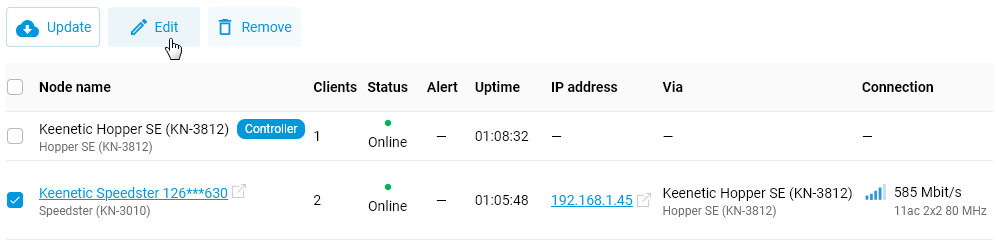
In the controller’s web interface, go to the Mesh Wi-Fi System page and select the desired extender (tick the box). The Edit button will appear; click it.
In the Extender Settings window, under the Port assignments section, set the value for a specific free network port to Disabled.
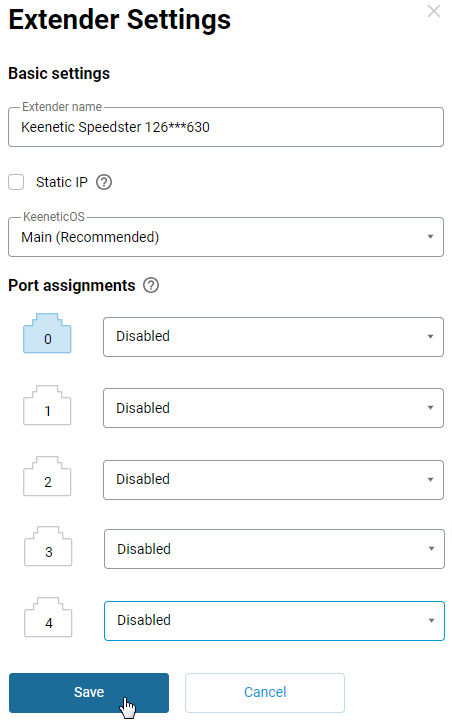
Once this setting is applied, it will no longer be possible to connect to the extender via this Ethernet port.