Using Extender's mobile broadband connection
Starting with KeeneticOS 5.0, Mesh Wi-Fi Systems can use a mobile broadband modem built into one of the Extenders as the main or backup Internet connection. This feature is only available on models with a built-in modem, not on USB modems. If such a device is part of the Wi-Fi System as an Extender, the built-in modem can be used to access the Internet.
Switch the device with a built-in modem to the Extender Mode. Then connect the Extender to your Main Router, which acts as the Wi-Fi System Controller.
In the Main Router's web interface, go to the Mesh Wi-Fi System page and acquire the Extender to add it to the Wi-Fi System.
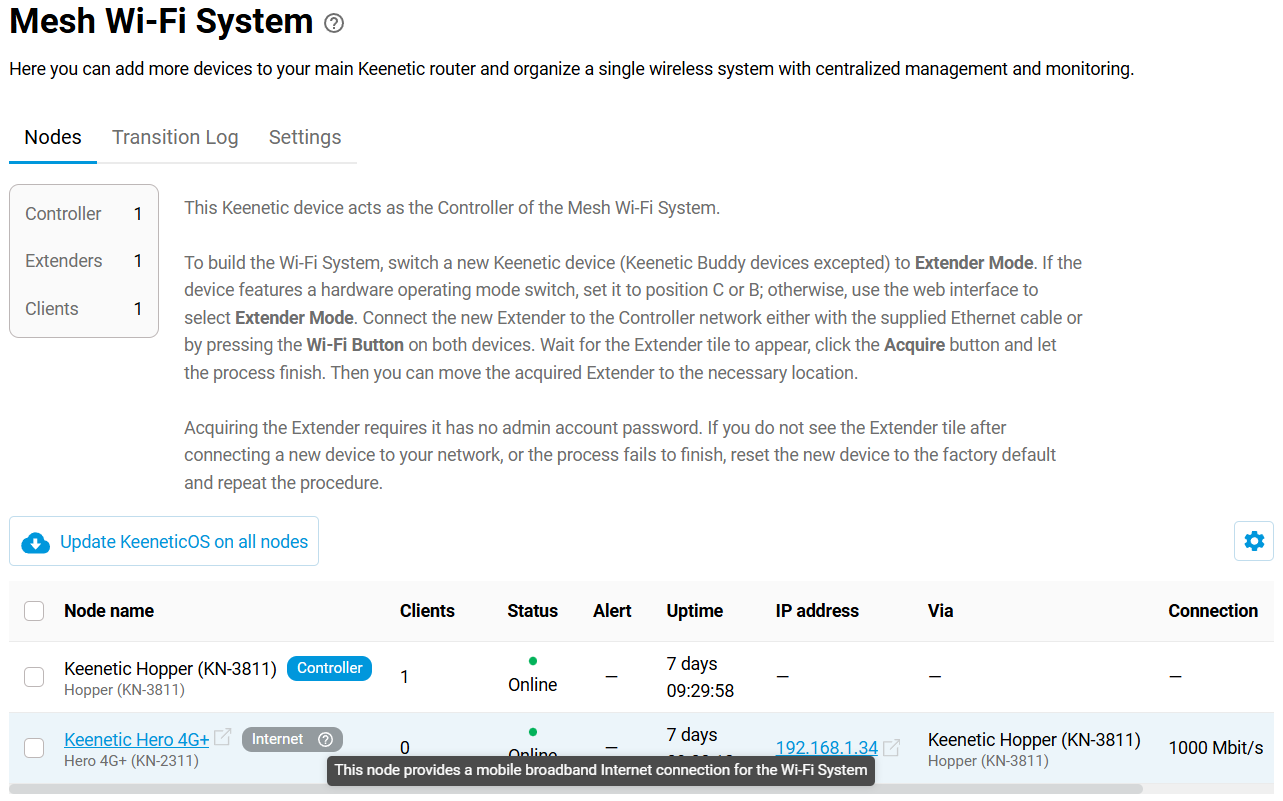
When a compatible Extender is detected, the Controller automatically creates a special MwsMobile interface and manages the connection in the same way as any other, including adding it to Connection Policies.
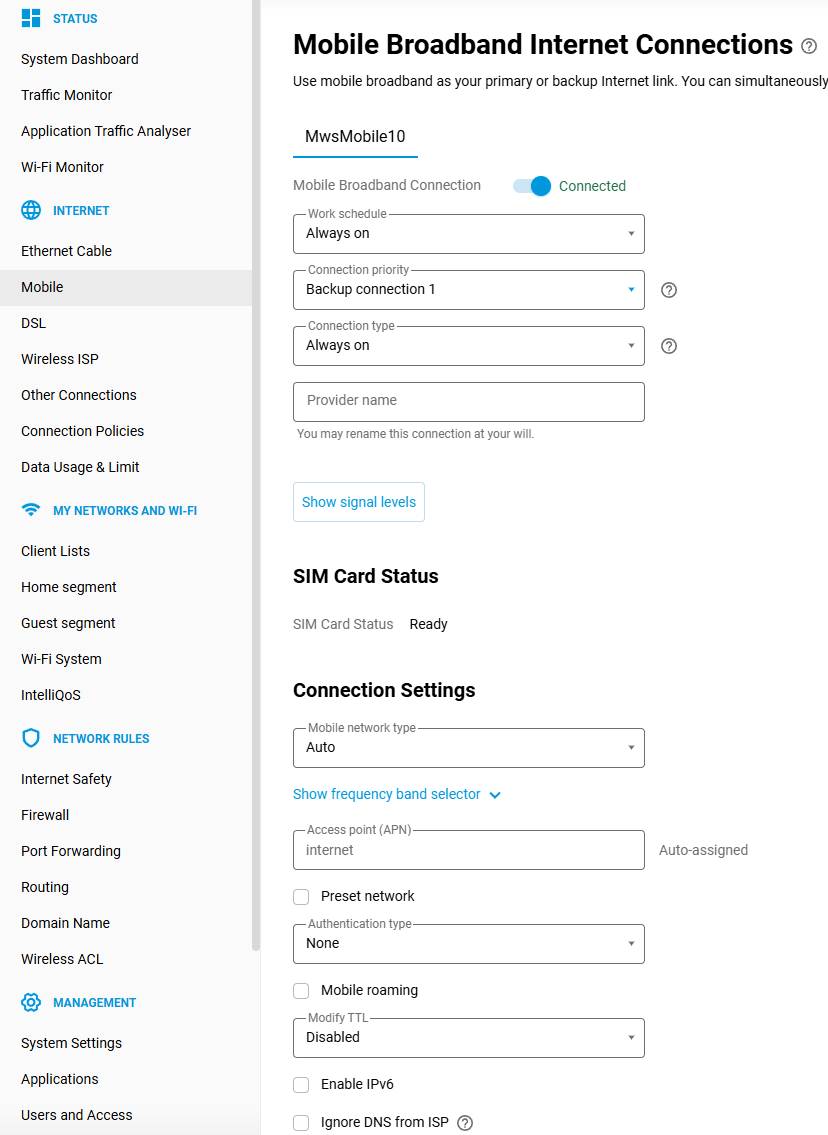
If you make the connection via the MwsMobile interface a backup, then in case of a failure of the main connection, it will automatically switch to the mobile network via the built-in modem on the Extender.
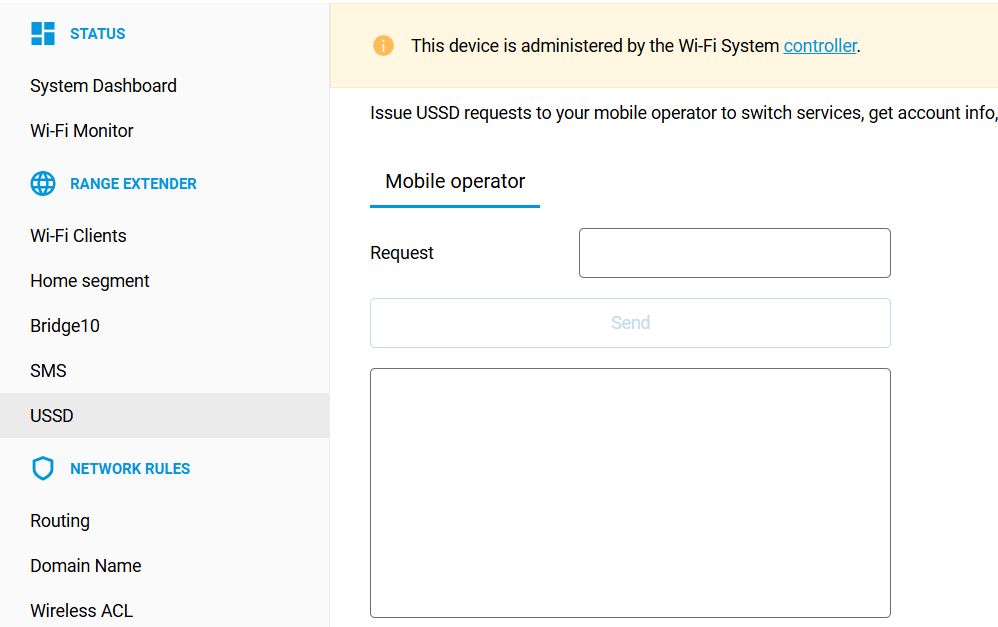
The SMS and USSD modem options will be available directly in the Extender's web interface, which can be opened via a link on the Wi-Fi System Controller page.