eSIM
Starting with OS version 5.0, support has been added for Local Profile Assistant (LPA) and the built-in subscriber identity module (eSIM; electronic SIM card) for the UsbLte and UsbQmi modem interfaces. The eSIM module can be built into a 5G/4G modem or accessed via an external eSIM adapter.
In the router’s web interface, you can view, add, and switch between eSIM profiles on supported 5G/4G modems. This feature currently works with external eSIM modules accessed via a physical eSIM card, allowing you to activate mobile carriers, change rate plans, or manage multiple profiles directly from your browser without using additional apps or manual configuration.
Connect to the router’s web interface. The eSIM page will be available for compatible 5G/4G modems, as well as for Keenetic router models with a built-in modem. The eSIM page is displayed only in Router Mode.
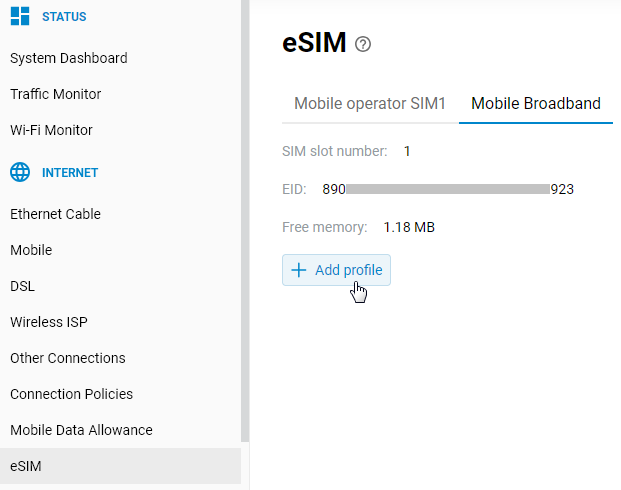
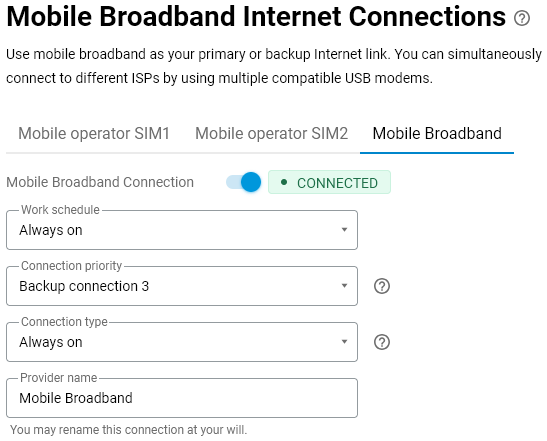
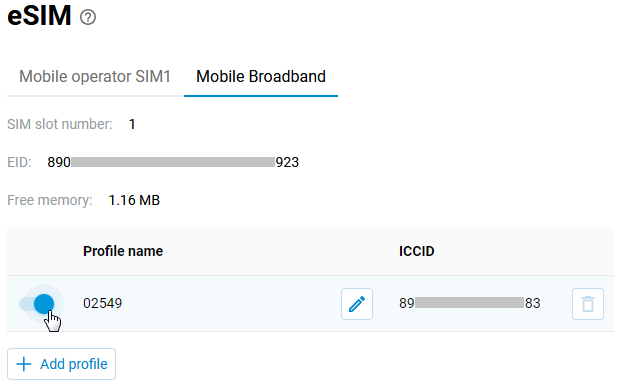
Each tab displays the following information: SIM slot number (which can be changed, if necessary, in the Mobile menu on the Mobile Broadband Internet Connections page), the EID for the eSIM device, and the Add profile button. If at least one eSIM profile has been added previously, a profile table is also displayed.
To add a profile, click the Add profile button; a window for uploading a new eSIM profile will appear. In the profile addition window, two options will be available: adding a profile via Activation code and via QR code.
Manually enter the code in the Activation code field or attach a file with a QR code. The web interface will recognize this QR code and automatically add it to the Activation code text field.
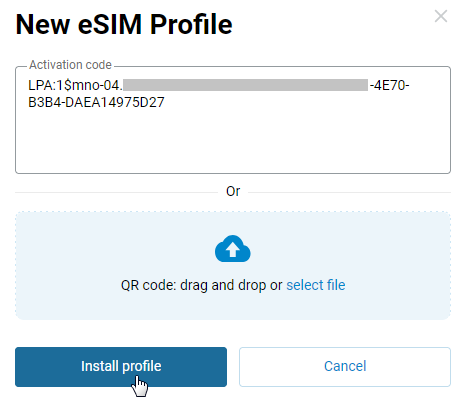
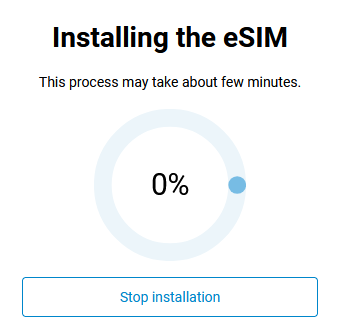
Tap the Install profile button. A window showing the profile download progress will appear. If you wish, you can cancel the download by tapping the Stop installation button.
After the profile has been successfully added, a table of eSIM profiles will appear, displaying the current set of profiles, including the Profile name and ICCID. In the table, you can perform the following actions: enable/disable a profile, rename a profile, and delete a profile.
Important
If you have multiple profiles, only one can be active at a time. If a profile is currently active, activating another profile will deactivate the current one.
After enabling a profile, ensure the eSIM connection has been established. You can do this on the Mobile Broadband Internet Connections page or on the System Dashboard.