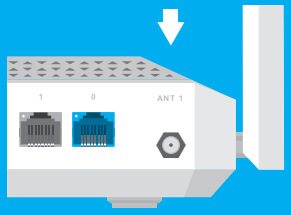
Connecting outdoor directional antennas to a router with a built-in 5G/4G/3G modem
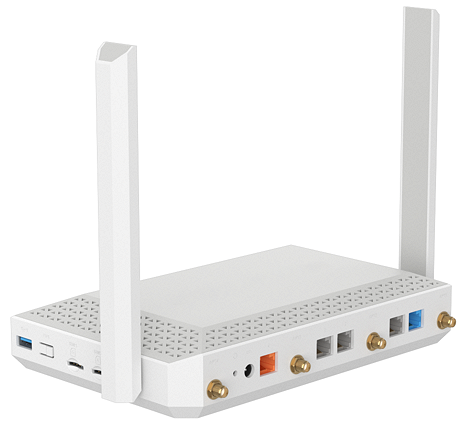
Keenetic Hero 5G (KN-4110) has connectors on the housing for external broadband 5G/4G antennas (for the built-in 5G/4G/3G modem). The package includes removable LTE antennas (for more information on them, you can see the ??? article).
 |
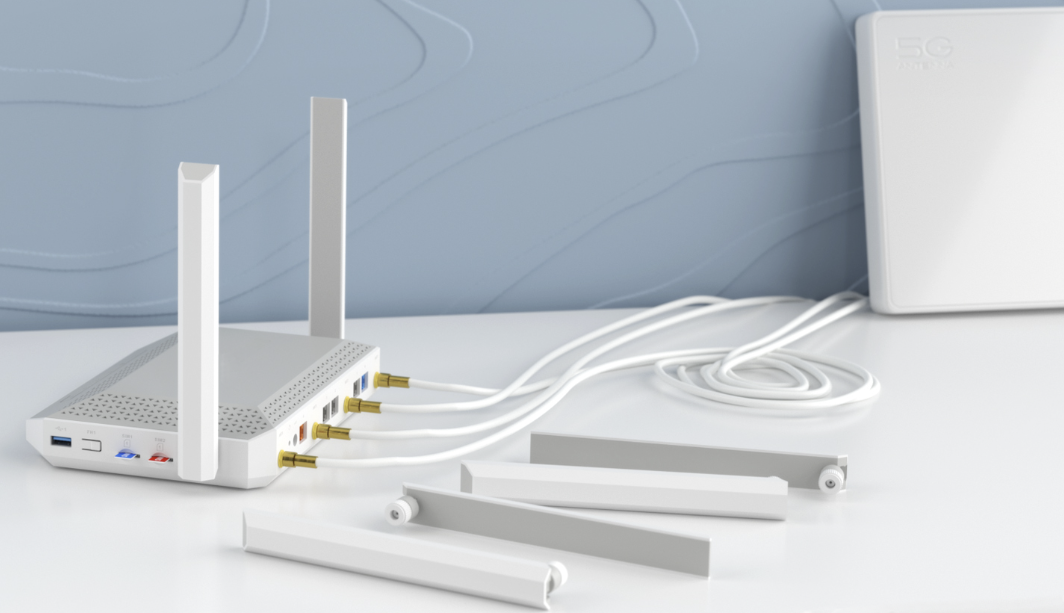
The optional outdoor MIMO antenna (with two wires) or SISO antenna (with one wire) can be installed instead of the supplied indoor LTE antennas for operation at greater distances from base stations. The antennas are to be purchased separately.
For operation at greater distances from base stations, an optional outdoor MIMO antenna (LTE MIMO 2x2 with two wires, or 5G MIMO 4x4 with four wires) can be installed instead of the included indoor LTE antennas. Antennas are sold separately.
 |
Recommendations for selecting outdoor antennas
If you know the connection frequency to the base station, it makes sense to use a narrowband antenna. Signals from other frequencies will not degrade the signal quality.
If there is no information about the connection frequency to the base station, it is recommended to connect a broadband antenna.
Check with manufacturers of outdoor antenna connection and installation parameters: antenna gain, cable length, and mounting brackets.
In Keenetic routers, the internal path from the built-in modem to the SMA connector has a wave resistance of
50 ohms. It is recommended to connect an external antenna and cable assembly with the same impedance.
Keenetic Hero 5G (KN-4110) router uses an SMA female connector, and therefore, the connected external antenna must be equipped with an SMA male connector.
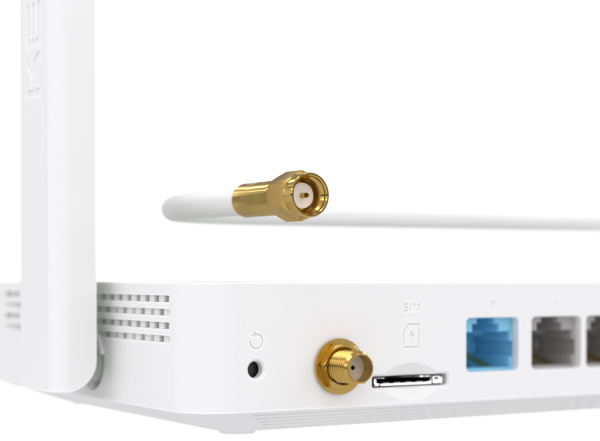 |
For more information on SMA connectors, see Types of connectors for attaching external 5G/4G/3G antennas.
When connecting a 4x4 MIMO antenna with four wires, it does not matter which ports you use; however, when connecting a 2x2 MIMO antenna with two wires, use the ANT1 and ANT3 ports on the router.
When connecting the SISO antenna, use the following connector on the case: